I dual booted omarchy on my rog strix g15 and it took 4 minutes

ohwire
September 9, 2026 • 5 min read

I’ve been putting off arch for years.
not because i hadn’t tried linux. i’ve run ubuntu, mint, kali, a few others over the years. arch was the one i kept skipping because everyone talks about it like a rite of passage. partition tables, base install, configuring your own bootloader, picking a display manager. it felt like a weekend project i didn’t want to start.
then i saw omarchy and figured i’d give it a shot on my gaming laptop.
Why i did it
my main machine has been a macbook for about 4 years. the rog strix was the windows box i’d boot into when friends wanted to play something.
over the last few months windows on it got slow. not one specific thing, just the general slide where boot takes longer, explorer hangs for a second, and you start doing the thing where you close stuff you don’t remember opening. i’d already decided i was going to wipe it.
then i found omarchy and changed the plan. instead of formatting windows i’d dual boot and keep the gaming side around.
The setup that made this easy
worth saying upfront because it removes most of the risk people worry about.
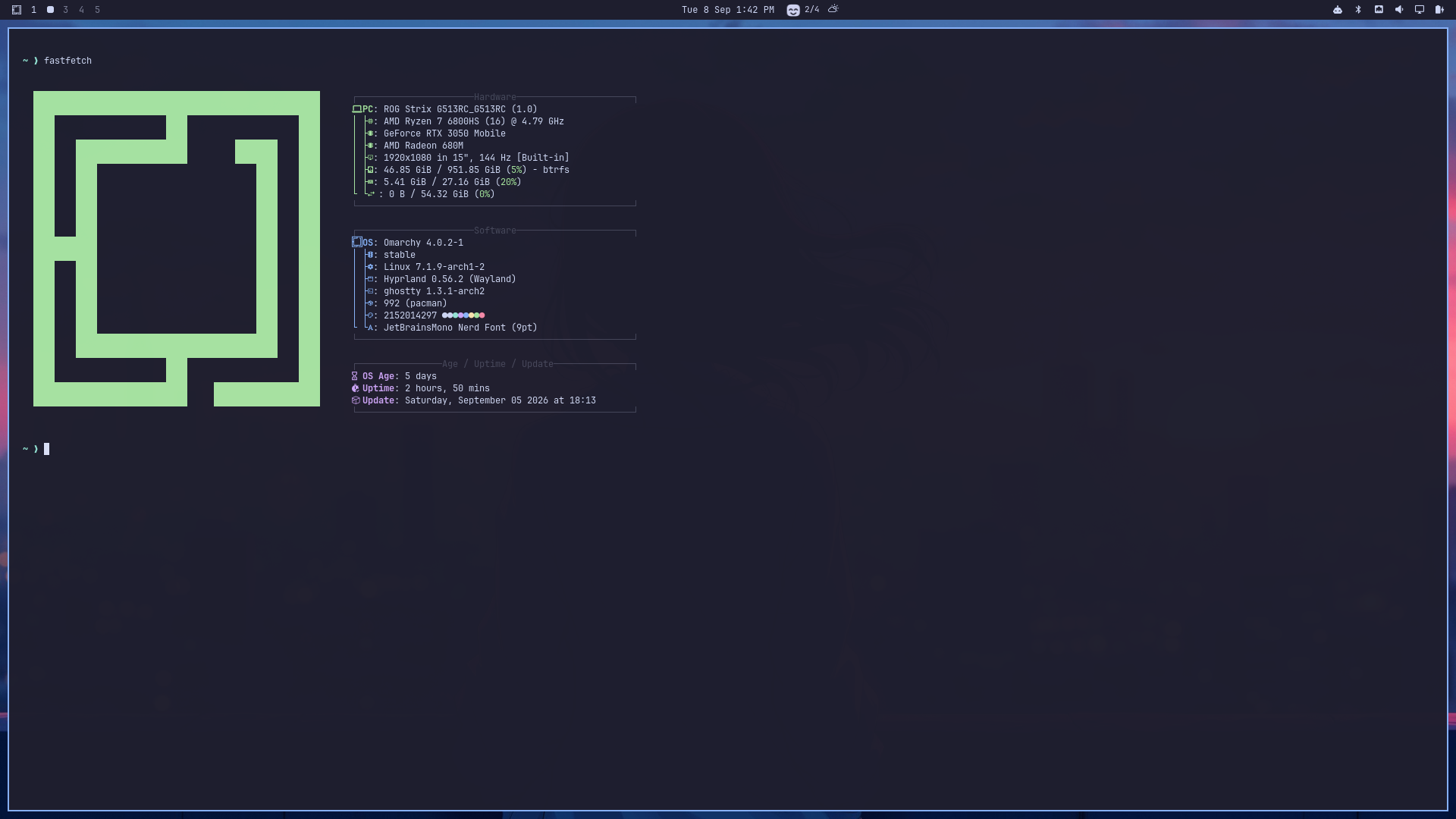
this laptop has two 1tb nvme drives. windows lives on one, omarchy went on the other. no partition shrinking, no resizing, no moment where you’re staring at gparted hoping you clicked the right thing.
if you have two drives, do it this way. if you only have one you’ll need to shrink your windows partition first, which is a different post and a lot more careful.
What i did before installing
almost nothing, which surprised me.
- checked if bitlocker was on. it was off, so i left it alone
- went into bios and changed the boot order
- that’s it
secure boot stayed on. i never turned it off. i’ve read a lot of asus install guides that tell you to disable it and i just didn’t need to.
i wrote the usb following omarchy’s official instructions, nothing custom.
The install
four minutes. i’m not exaggerating, i went to get water and it was basically done.
i picked full disk encryption during setup. that adds a password prompt at boot which i’ll get to.
then about 30 minutes on top of that to get my dev environment going, editors, runtimes, the usual. so half an hour from usb to actually working.
The one thing that broke
after reboot, windows wasn’t in the boot menu.
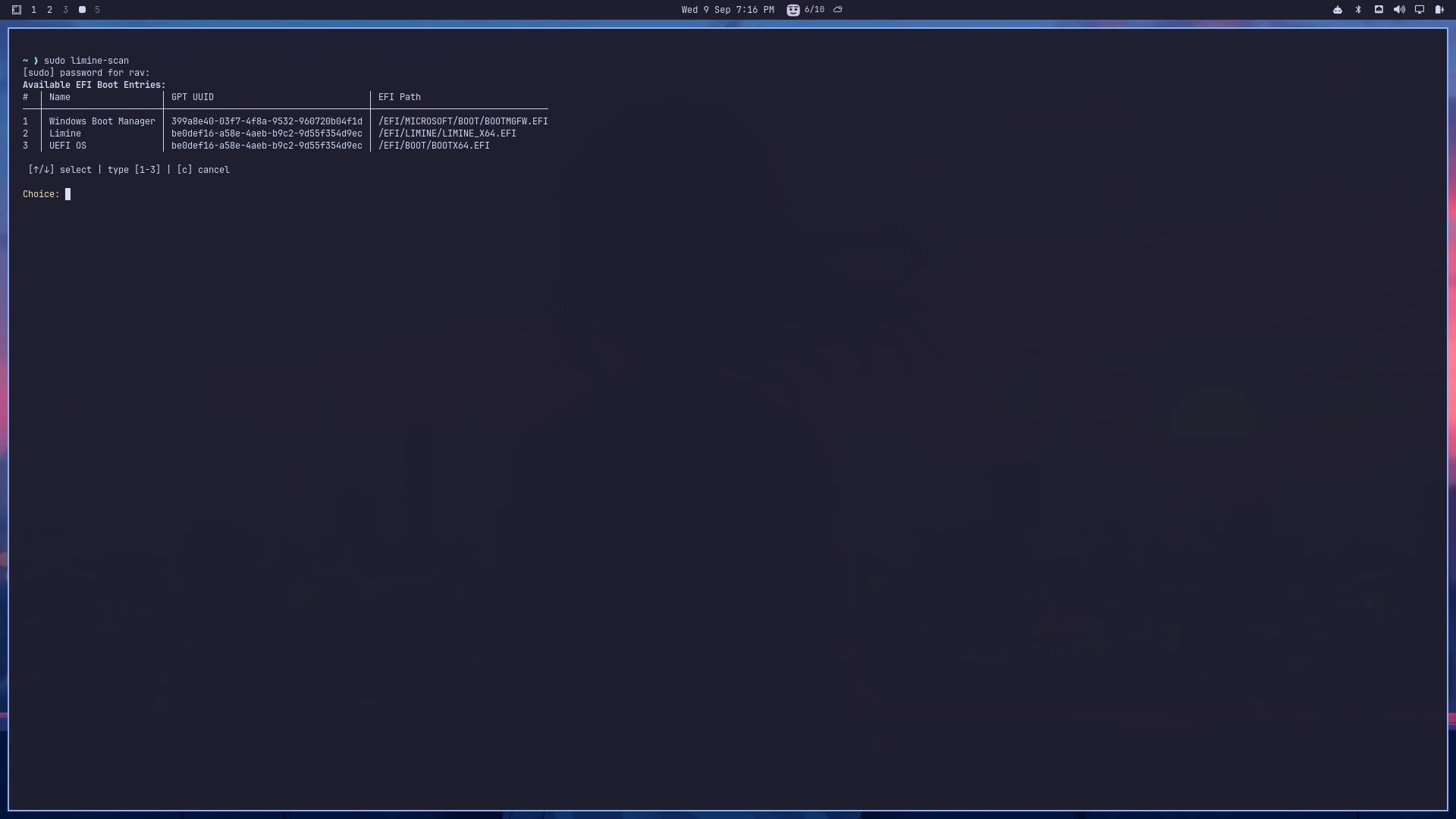
omarchy 4 uses limine instead of grub, and limine didn’t pick up the windows install on the other drive by itself. easy fix:
sudo limine-scanreboot and windows was there. one command, whole problem.
this is the part i’d have panicked about a few years ago. windows was fine the entire time, the bootloader just didn’t know about it yet.
About the encryption prompt
if you’re dual booting and wondering whether encryption makes booting into windows annoying, it doesn’t.
limine comes up first and you pick your os. the encryption password only appears after you choose omarchy. picking windows goes straight to windows like nothing changed.
The hardware, which is the part i expected to fight
this laptop has a radeon 680m and an rtx 3050 mobile. hybrid graphics on an asus laptop is usually where linux posts turn into a list of things that don’t work.
i installed no nvidia drivers. none. it worked.
everything else out of the box too:
- function keys
- keyboard rgb
- fan control
- wifi
- bluetooth
- sleep and suspend
- external monitor
i had asusctl and supergfxctl bookmarked ready to install and never opened either tab.
[image: hyprland desktop, your actual setup]
Two small things
caps lock “didn’t work.” it did. omarchy maps caps lock to double tapping shift by default. took me a minute to realize nothing was broken and i just hadn’t read the keybinds.
helium browser acted up on some sites. this one was actually the dual gpu setup, both gpus trying to handle rendering at the same time. i threw it at claude code and it was sorted in a couple of minutes.
that’s the full list of problems. two things, both minor, both my first day.
Six days in
nothing annoying left. i keep waiting for the thing that makes me want to boot back into windows and it hasn’t shown up.
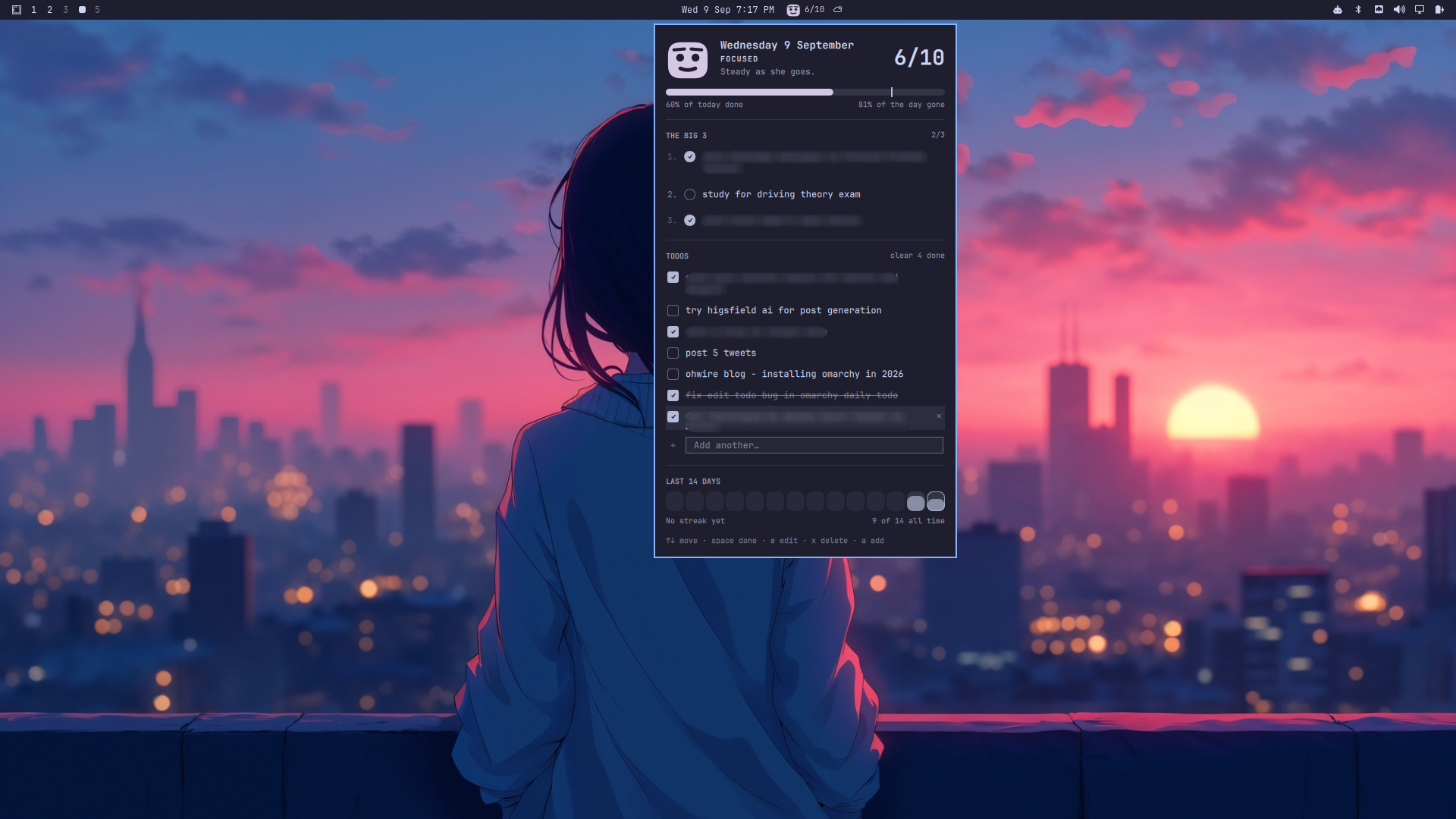
i’ve been using it as an actual work machine, and i built a small todo list plugin for it with claude code because i wanted one and it seemed easier than looking for one.
If you’re thinking about it
my honest read is that arch was never the hard part for me, the setup was. omarchy does that setup and hands you something that already works.
the dual boot fear is mostly overblown, especially with a second drive. i touched bios once, ran one command, and both operating systems have coexisted fine since.
if you’ve got a rog strix sitting there running a windows install that’s gotten slow, this is a pretty low risk afternoon.