Why Zed is Becoming My Primary Editor

ohwire
June 6, 2026 • 2 min read
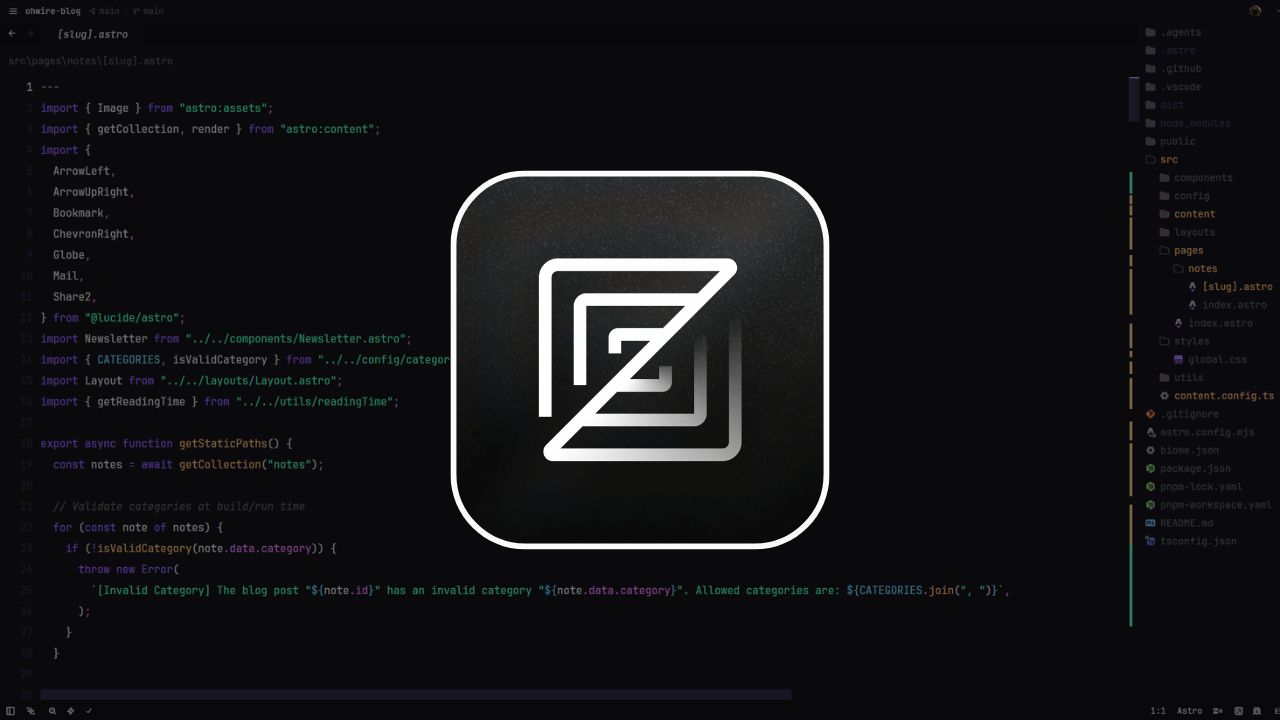
For nearly a decade, VS Code has been the undisputed king of code editors. However, the team behind Atom and Tree-sitter has built Zed, a new Rust-based editor designed for extreme performance and collaborative coding. After using it as my daily driver for two weeks, here is my honest review.
The Speed Difference
The first thing you notice when opening Zed is the speed. It loads in a fraction of a second, files open instantly, and there is zero typing latency. Zed is GPU-accelerated and written in Rust, which allows it to utilize every CPU core efficiently.
If you are used to the slight micro-delays in Electron-based editors, Zed feels like a breath of fresh air.
Collaborative Coding
Zed was built from the ground up for real-time collaboration. It includes a built-in concept of “Channels” and “Projects” that multiple developers can join. You can see other developers’ cursors, edit the same file simultaneously, and share terminal outputs without needing to screen-share on Zoom.
VS Code vs. Zed: What’s Missing?
While the speed is incredible, Zed is still growing. Here are a few things that might hold you back:
- Extension Ecosystem: While Zed has a package system, it is not as vast as VS Code’s.
- Configuration: While Zed now includes a GUI settings editor for common options, many advanced configurations still require directly editing the
settings.jsonfile. - Complex UI Tooling: Some advanced debugging tools and git clients that integrate directly into VS Code are not yet fully implemented in Zed.
Here is an example of a typical settings.json configuration in Zed:
{"theme": "One Dark","font_family": "Fira Code","ui_font_size": 16,"buffer_font_size": 16}Conclusion
If you want a blazing fast editor for writing code, writing prose, and collaborating with a peer, Zed is unmatched. It has earned a permanent spot on my dock.